GarageBand
GarageBand comes free on every Apple device. Smart Instruments let kids play guitar, drums, keyboards, and strings without knowing how. 1,000+ loops to build songs by stacking. Full multi-track recording for when they get serious. No subscription, no in-app purchases. The catch: Apple only. If your family uses Android, this doesn't exist for you.
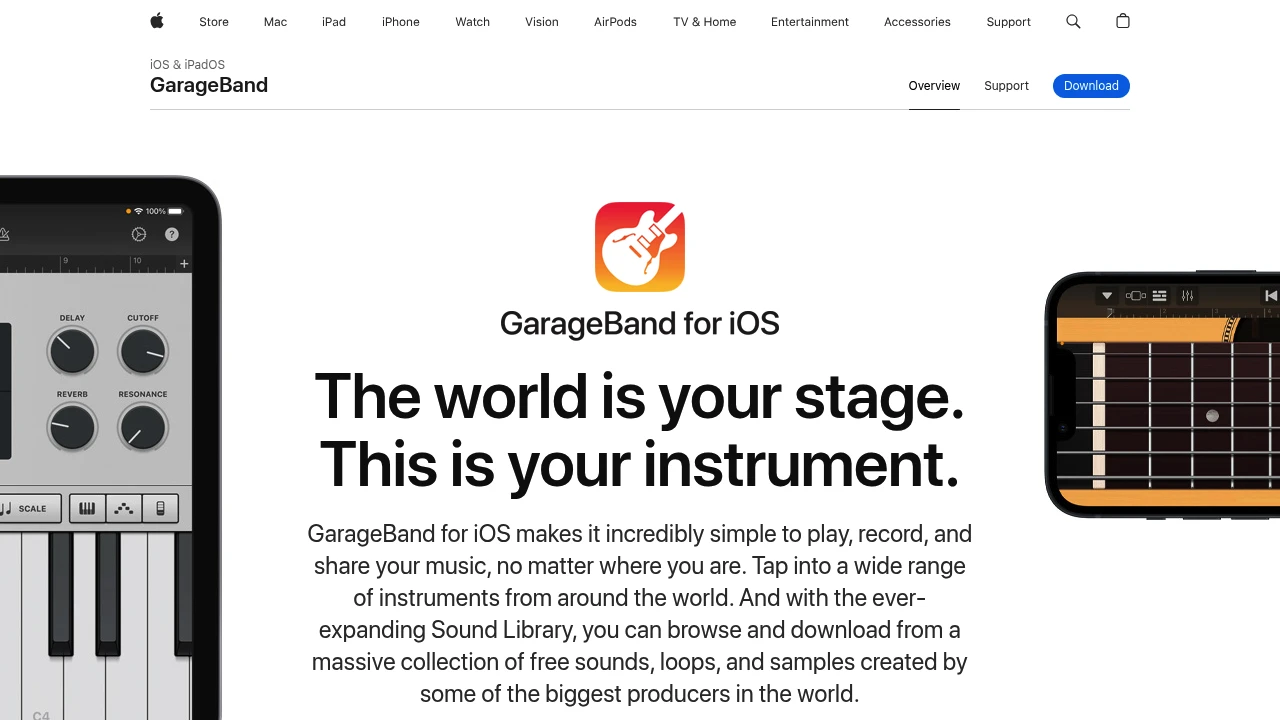
Your kid taps a drum pad and it sounds good. They strum a Smart Guitar and it plays real chords. That's GarageBand's trick - it makes everyone sound like a musician on the first try.
Smart Instruments: guitar, bass, drums, keyboards, strings, world instruments. Each one is designed so that random tapping produces something musical. Kids who can't read music can make songs that sound real. Kids who can read music get a full studio.
1,000+ Apple loops: pre-made musical phrases you drag into a timeline. Stack drums + bass + synth + guitar and you have a song. It's music creation as puzzle assembly - intuitive for kids who grew up on block-building games.
Full multi-track recording, virtual amplifiers, beat sequencer, live DJ effects, and a sound library that rivals paid apps. You can record a voice memo, add beats, layer instruments, and export a finished track. For free.
Pre-installed on every iPhone, iPad, and Mac. No download needed. No subscription. No in-app purchases. Apple subsidizes this to sell hardware.
The limitation is obvious: Apple only. No Android, no Windows, no Chromebook. If your kid's school uses Chromebooks or your family is on Android, GarageBand doesn't exist for you. For cross-platform music creation, look at BandLab (free, web-based) or Soundtrap.
For ages 5 and up, realistically. Younger kids enjoy the drum pads and Smart Instruments. By 8-10, they're building real multi-track projects.

Similar to GarageBand