Family Apps Hub is live. Here's what we picked, why we picked it, and what's coming next.

Thirty apps. Twelve categories. Zero filler.
That's what Family Apps Hub looks like on day one. Not a hundred hastily scraped listings with recycled App Store descriptions — just the tools we actually researched, verified pricing for, and would recommend to a friend with a newborn.
Here's a quick tour of what's already live, and a few picks that stood out during our research.
We launched with 3–4 apps in each of these categories:
Each listing includes the official description, real pricing, platform availability, and what makes the app worth trying — or not.
These aren't necessarily the "best" apps on the site. They're the ones that surprised us, impressed us, or just did something different enough to be worth highlighting on launch day.
380 million downloads. You probably know someone who uses Flo. It covers the full journey from period tracking through pregnancy to postpartum — and the free tier is genuinely usable, not a glorified demo. The $59.99/year premium adds AI-powered insights and cycle predictions, but honestly, most people won't need it.
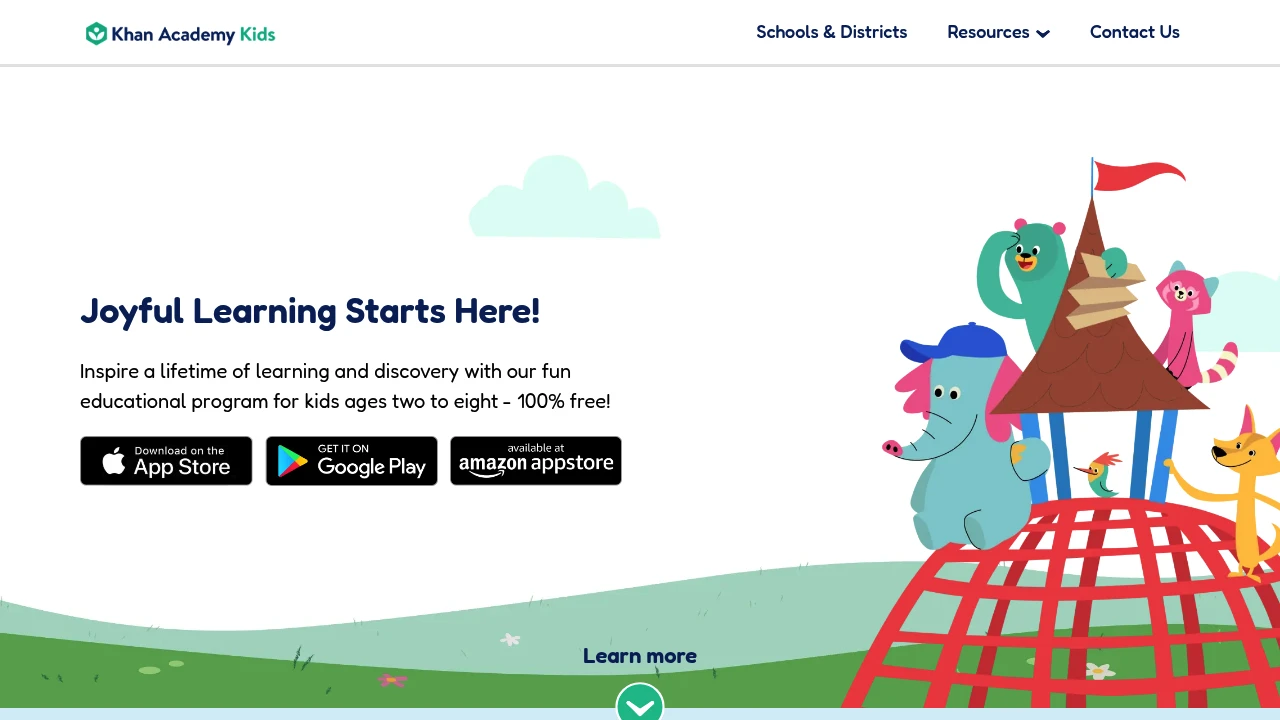
No ads. No subscription. No in-app purchases. In a category where every app wants $9.99/month, Khan Academy Kids is a unicorn. Ages 2–8, covers reading, math, social-emotional learning. It's not the flashiest app — but it's the one we'd recommend first to anyone who asks "what learning app should I get?"
Hatch is a sound machine, night light, and okay-to-wake clock controlled through an app. You need the physical device (Rest Mini starts around $40, Rest+ is $70). The app itself is a subscription ($5.99/month) for premium sounds and sleep programs. Expensive? Yes. But if you're already buying a sound machine, Hatch turns it into something smarter. We included it because it represents a growing category: hardware + app combos for parents.
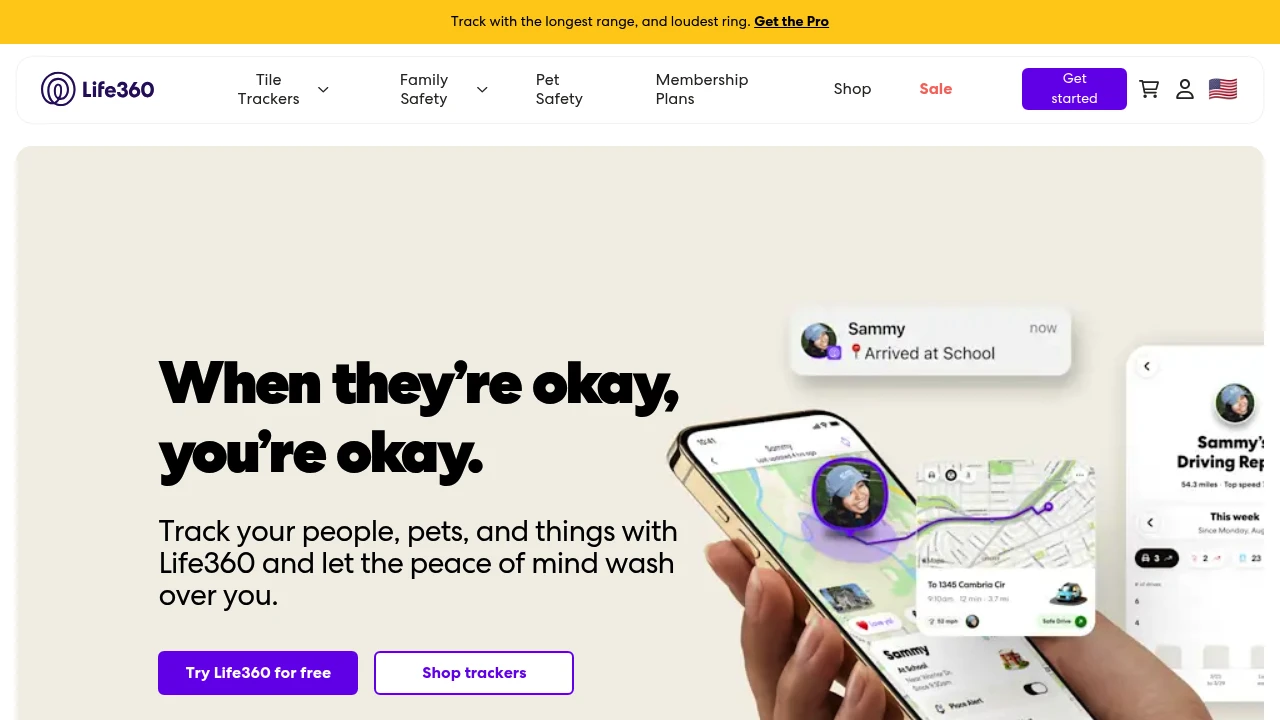
Family location sharing is a polarizing topic, and Life360 is at the center of it. Over 60 million users. Free tier covers basic location sharing and place alerts. The paid plans ($8–15/month) add driving safety reports, SOS alerts, and 30-day location history. We listed it because it's the most popular family locator by far — but it's worth knowing that Life360 has faced criticism over data privacy practices. We'll cover alternatives in our upcoming Family Safety deep-dive.
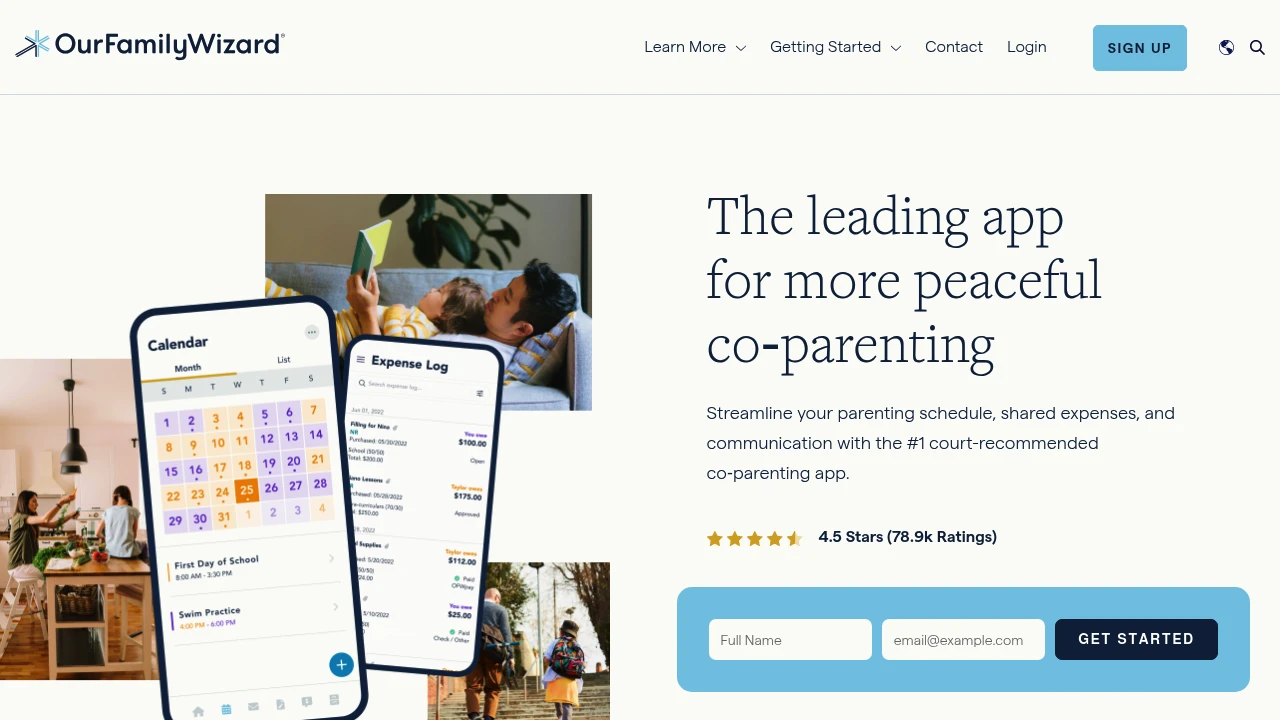
Co-parenting apps serve a specific, high-stakes need: keeping communication between separated parents organized and documented. OurFamilyWizard is the most established player here — it's literally recommended by family courts in several states. Features include shared calendars, expense tracking, and a ToneMeter that flags hostile language before you send a message. It's not cheap ($150/year per parent), but for families navigating custody arrangements, it's a tool that can genuinely reduce conflict.
Starting March 13, we'll publish a detailed roundup blog post every Friday, diving deep into one category at a time:
...and so on through June. Each roundup will include every app in the category with real comparisons, pricing breakdowns, and clear recommendations.
We're also expanding each category from our launch set of 3 apps to full coverage — so if your favorite app isn't listed yet, it's probably coming.
There's a longer version on our About page. The short version: finding good parenting apps shouldn't require wading through SEO spam and affiliate-driven "top 10" lists written by people who've never changed a diaper.
We research every app. We verify every price. We skip the ones that aren't worth your time.
That's it. Go explore.
Flo is the biggest period and pregnancy app in the world. 380M+ users. Free version tracks periods and ovulation with ads. Premium ($49.99/yr) removes ads and adds AI health assistant, video courses, symptom checker for PCOS/endometriosis/fibroids, and detailed pregnancy tracking. FSA/HSA eligible. It's the safe mainstream choice - not the most specialized at anything, but covers everything from first period to perimenopause.
You probably already have Flo. 380 million people do. It's the default period tracker the same way Google Maps is the default navigation app - not because it's the absolute best at any one thing, but because it covers everything well enough.
Free version: period and ovulation predictions, cycle calendar, health library with hundreds of articles. Has ads. Premium ($49.99/yr or $9.99/mo) removes ads and unlocks: personalized daily insights, expert-led video courses on fertility/pregnancy/birth, Symptom Checker for PCOS, endometriosis, and fibroids, detailed pregnancy mode for every trimester, and a 24/7 AI Health Assistant.
The pregnancy mode is seamless - when you log a positive test, Flo transitions from cycle tracking to week-by-week pregnancy tracking with fetal development updates, symptom logging, and appointment reminders. That continuity is genuinely convenient vs switching to a separate pregnancy app.
New features include Perimenopause Score and Menopause Timeline for tracking that transition. Rare for a period app to cover the full reproductive lifespan.
FSA/HSA eligible, which is a nice perk if your employer plan supports it.
Compared to Clue ($39.99/yr), Flo has more content (courses, articles, community) but less scientific rigor in its branding. Clue is data-first. Flo is content-first. Compared to Ovia, Flo is consumer-focused while Ovia is employer-sponsored. Compared to Fertility Friend, Flo's fertility tracking is basic - if you're actively TTC with BBT charting, FF is far more powerful.
Privacy has been a concern - Flo settled with the FTC in 2021 over sharing health data with third parties. They've since introduced Anonymous Mode. Worth knowing.
Khan Academy Kids is completely free - no ads, no subscriptions, no premium tier. Ages 2-8. Covers reading, writing, language, math, and social-emotional learning through interactive games, books, songs, and activities. From the nonprofit behind Khan Academy. If you're looking for one educational app to install and forget about paying for, this is it.

Free. Actually free. No ads, no "unlock premium," no "subscribe for more levels." Khan Academy is a nonprofit. They don't need to monetize your kid.
Ages 2-8. The curriculum covers early literacy (letters, phonics, reading), writing, language development, math (counting, addition, shapes, patterns), and social-emotional learning (feelings, relationships, self-regulation). Thousands of interactive activities, animated books, songs, and games.
The adaptive learning engine adjusts difficulty based on your child's performance. If they're breezing through letter recognition, it moves them to phonics. If they're struggling with counting past 10, it gives more practice. No parent configuration needed.
Compared to Duolingo ABC (also free, ages 3-6, reading only), Khan Academy Kids is broader. Duolingo ABC goes deeper on phonics and reading. Khan Academy covers reading AND math AND social-emotional learning. For a single educational app, Khan Academy Kids covers more ground. For focused reading instruction, Duolingo ABC is better.
Compared to paid apps like ABCmouse ($13/mo) or Homer ($10/mo), Khan Academy Kids offers comparable or better content for free. The production quality is high - animated characters, professional voice acting, polished games. It doesn't feel like a free app.
Available on iOS, Android, and Amazon Appstore. Works offline for downloaded content.
The only thing it doesn't do: progress reports for parents are basic. No detailed analytics on what your child has mastered. You kind of just trust the adaptive engine. For ages 2-8, that's usually fine.
Useless without a Hatch Rest device ($70-130). But if one's already in your nursery - you control everything from the couch: sounds, colors, brightness, bedtime schedules. Build a multi-step routine (dim light, white noise on, auto-off). The "OK-to-wake" green light actually trains toddlers to stay in bed. Membership ($70/yr) adds sleep stories and meditations - nice but not essential. The hardware is the real product here.

Hatch Rest is one of the most popular nursery sound machines, and this app is how you control it. Set up programs so bedtime runs itself: light dims to red at 7pm, white noise starts, shuts off at 7am, green "OK to wake" light comes on. All controllable from your phone without opening the nursery door.
Sound options: white noise, ocean, rain, birds, wind, water, thunderstorm, dryer, heartbeat, fan.
The free app covers everything you need. The Hatch Sleep Membership ($70/year) adds expert-curated sleep stories, dreamscapes, and guided exercises - your call whether that's worth it on top of the hardware cost.
Key thing to know: this app does nothing on its own. No Hatch device, no functionality. If you want a software-only sleep solution, look at BetterSleep or Baby Shusher instead.
Life360 is the default family location app. 66M+ users. Free tier shows real-time family locations and geofence alerts. Gold (~$14.99/mo) adds driving reports, 30-day location history, and crash detection. Platinum (~$24.99/mo) adds identity theft protection and roadside assistance. Your teenager probably already knows about it and has opinions. Works with Tile trackers for keys and bags.

You either already have Life360 or your kid's friends' parents do. 66 million users. It's the family location app the same way Google Maps is the maps app - not universally loved, but universally known.
Free tier: real-time location sharing for family members, place alerts (notifies you when someone arrives at or leaves school, work, home), and a basic map view. That's enough for most families.
Gold (~$14.99/mo): 30-day location history, driving reports (speed, hard braking, phone usage), crash detection with emergency dispatch, and crime reports for your area. The driving reports are why parents of teenage drivers upgrade.
Platinum (~$24.99/mo): everything in Gold plus identity theft protection, stolen funds reimbursement, and 24/7 roadside assistance (flat tire, lockout, towing). Bundling location tracking with identity protection - similar strategy to Aura.
Crash detection is the feature that justifies the subscription for many families. If someone in your circle is in a car accident and doesn't respond, Life360 can dispatch emergency services with their location. Peace of mind has a price.
Compared to Family360 (budget location tracking), Life360 has far more features but costs more. Family360 is "where is everyone." Life360 is "where is everyone, how did they drive there, and are they safe."
Compared to Bark (content monitoring), these solve different problems. Life360 tracks location and driving. Bark monitors digital content. Families with teens often use both.
The teenager perspective: many teens feel surveilled. That's a real conversation to have. The location sharing can be mutual (parents share too), which helps with the trust dynamic.
OurFamilyWizard is the co-parenting platform courts recommend. Accepted in all 50 US states. Court-admissible, tamper-proof communication logs. ToneMeter AI rewrites hostile messages into neutral ones before sending. Shared calendar, expense tracking with 50/50 or custom splits, secure calling, and an Info Bank for medical/school records. 30-day money-back guarantee. The legal-grade option.

Co-parenting after divorce means communicating with someone you'd rather not. OurFamilyWizard makes that communication documented, neutral, and court-admissible.
Every message is timestamped, tamper-proof, and permanently logged. If it goes to court, the judge can see exactly what was said and when. No "I never said that" arguments. That alone is why family lawyers recommend it.
ToneMeter AI is the standout feature. Write an angry message. ToneMeter suggests a neutral rewrite before you send it. You can accept, edit, or ignore the suggestion. It won't fix your co-parenting relationship, but it might prevent the next text from escalating into a court filing.
Other features: shared calendar with color-coded custody schedules, expense tracking with flexible splits (50/50, 80/20, custom), secure calling with automatic documentation, and an Info Bank for storing medical histories, insurance info, emergency contacts, and school schedules. Everything in one place, everything on the record.
Accepted by courts in all 50 states. The #1 legal-professional-preferred co-parenting tool.
Same parent company as Cozi (In Tandem Families). Cozi is for intact families who need a shared calendar. OurFamilyWizard is for separated families who need documented communication. Very different tools.
Compared to WeParent ($19.99/mo for the whole family), OurFamilyWizard has deeper legal integration and ToneMeter AI. WeParent is simpler and more affordable. If your situation is contentious and might involve courts, OurFamilyWizard. If you're co-parenting amicably and just need shared logistics, WeParent or even Cozi might be enough.
30-day money-back guarantee. The investment makes sense if it prevents even one lawyer call.