8 baby sleep apps reviewed across two use cases: sound machines and white noise vs. sleep scheduling and training. Plus the hardware question nobody wants to answer.

Baby sleep apps split into two very different categories, and confusing them leads to downloading the wrong thing at 11pm.
Category A: Sound apps. White noise, shushing sounds, sleep stories — audio that helps a baby (or a tired parent) fall asleep and stay asleep.
Category B: Sleep management apps. Trackers, schedulers, sleep training guides — tools to understand your baby's sleep patterns and build better ones.
Some apps do both. Here's what each one is actually good at.
Hatch is a sound machine, night light, and okay-to-wake clock — all controlled through an app. You need the physical device: Rest Mini starts around $40, Rest+ is $70–80 and adds a color-changing night light and sunrise alarm.
The app itself requires a subscription ($5.99/month or $49.99/year) for premium sounds and sleep programs beyond the basics. That's a lot of ongoing cost for a sound machine — but if you're already buying a smart sound machine, Hatch turns it into something genuinely more useful than a standalone device.
Worth it if: you want a sound machine you can control from your phone without getting up, and you're already spending $40+ on hardware anyway.
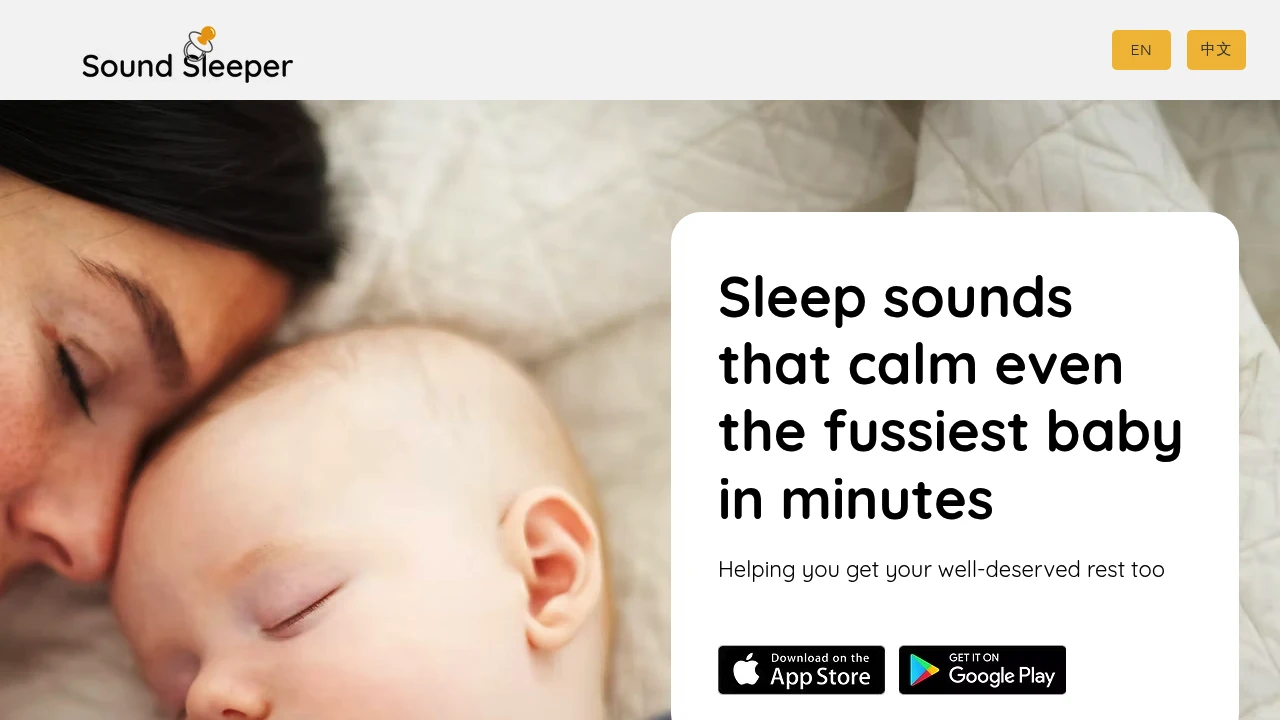
Sound Sleeper has a feature that earns it genuine loyalty: cry detection. When your baby stirs or fusses, the app detects the sound and automatically plays a soothing track. No reaching for the phone. No waking the baby more by fumbling with a device.
Standard white noise library plus a handful of other sounds. Free tier available; premium unlocks more sounds and extended auto-activation.
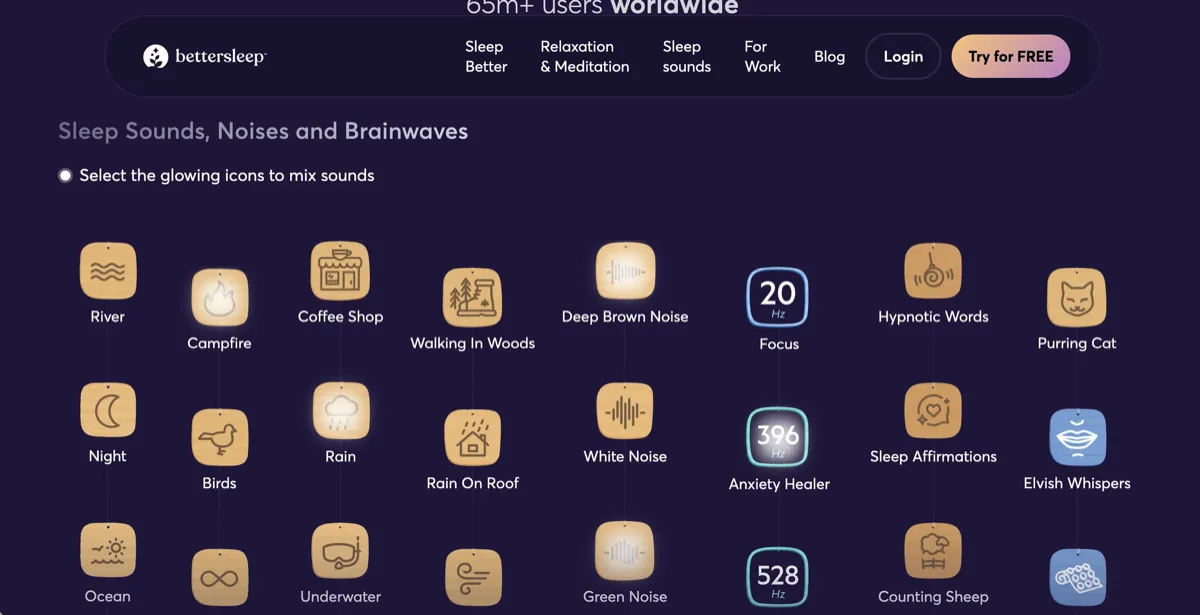
BetterSleep's library is unusually large: white noise, pink noise, brown noise, nature sounds, binaural beats, sleep stories, guided meditations. The standout feature is sound layering — you can mix multiple sounds together (rain + brown noise + café ambient, for example) and save your custom mix.
Designed for adults as much as babies, which is actually a useful feature in a household where everyone needs to sleep. Freemium, with most of the library available on a subscription.
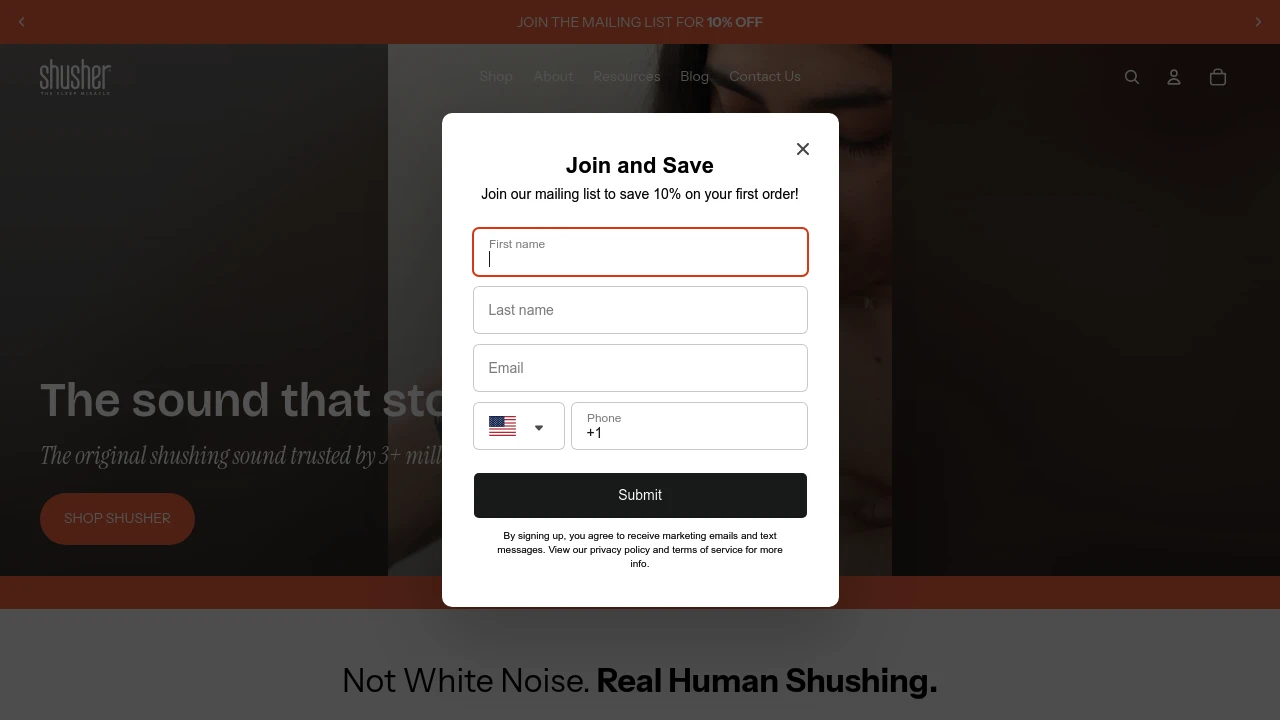
Baby Shusher does one thing: it plays a rhythmic "shh shh shh" sound that replicates the noise a parent makes when manually shushing a baby — which triggers the calming reflex in newborns.
It's a paid app (around $4.99, one-time) with no subscription and no other features. The volume is adjustable and there's a built-in timer. If the shushing technique works for your baby and you want a reliable app for it, this is the most purpose-built option.
White Noise Baby offers a focused set of white, pink, and brown noise tracks plus some nature sounds, specifically selected for infant sleep. It's the least complicated option here — no stories, no mixing, no subscriptions required for the basics.
Good first app to try if you're not sure whether white noise will help your baby and don't want to commit to anything paid yet.
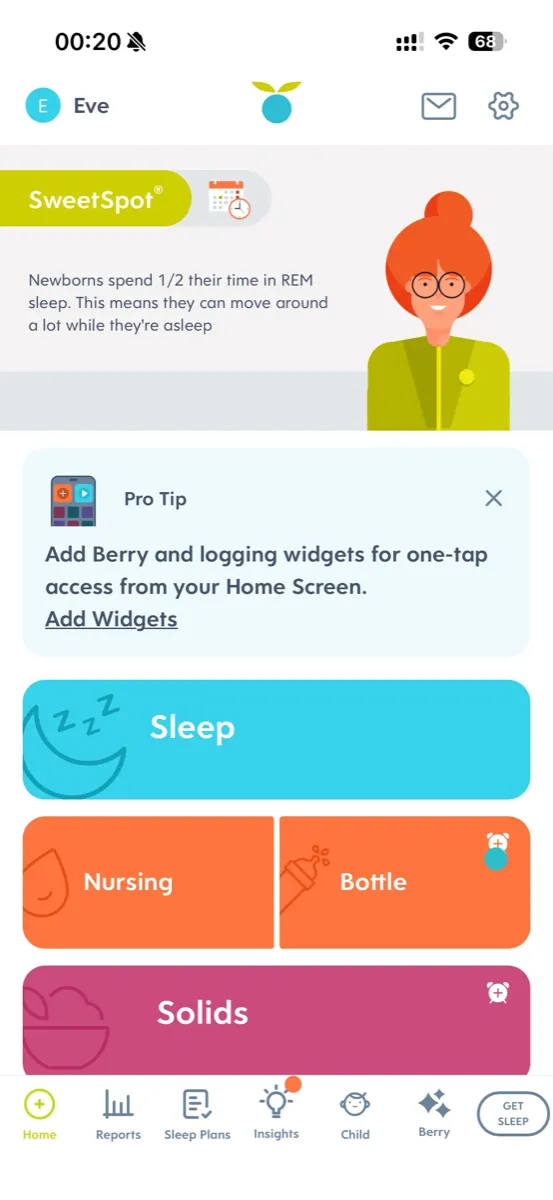
Huckleberry's SweetSpot feature predicts when your baby is about to be tired based on tracked sleep history — giving you a window like "try between 10:15–10:35" rather than guessing. More accurate than going by average wake windows alone.
The tracking side (feeds, diapers, sleep) is covered in our Baby Tracking roundup. Here, the relevant feature is SweetSpot: if you're struggling to catch the right sleep window before overtiredness kicks in, this is the tool.
Free tier for basic logging; Premium ($9.99/month or $99.99/year) unlocks SweetSpot predictions.
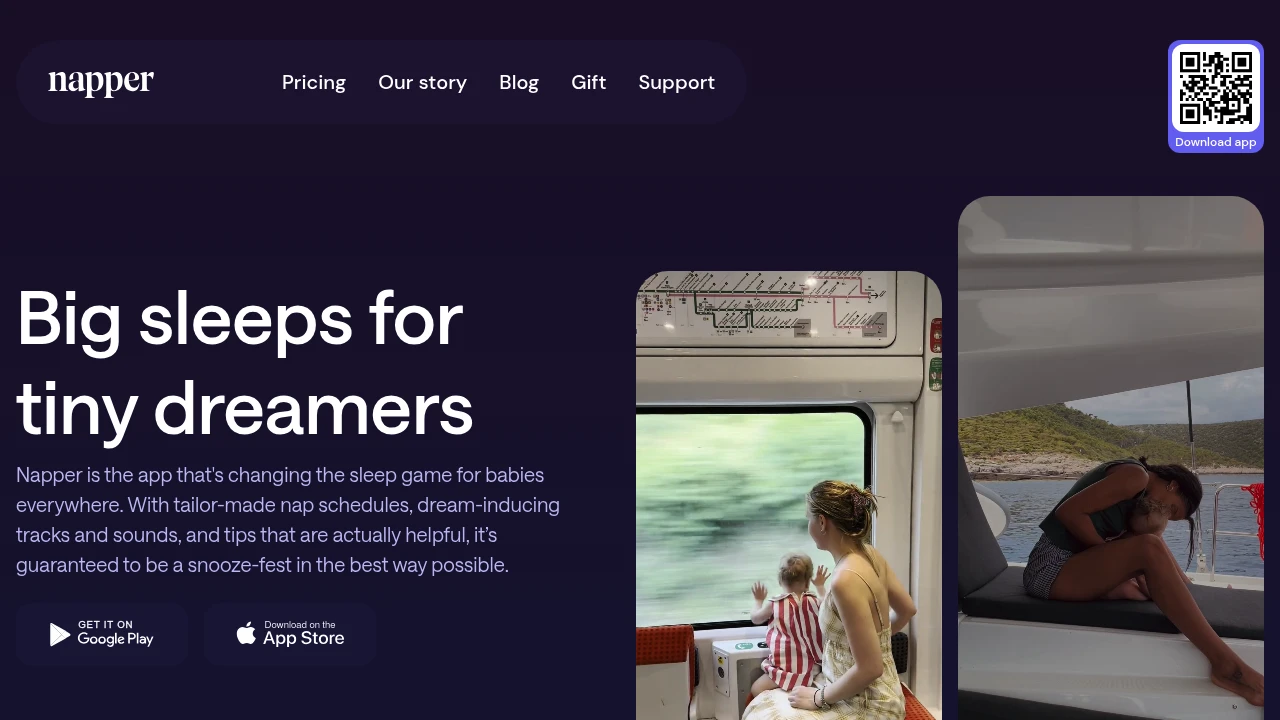
Napper focuses specifically on nap scheduling using wake windows — the amount of time a baby of a given age can comfortably stay awake before needing sleep again. You enter wake time, and Napper calculates the optimal nap windows throughout the day.
Simpler than Huckleberry and focused purely on scheduling rather than tracking history. Good starting point if you're new to wake window–based scheduling and want a guided approach.
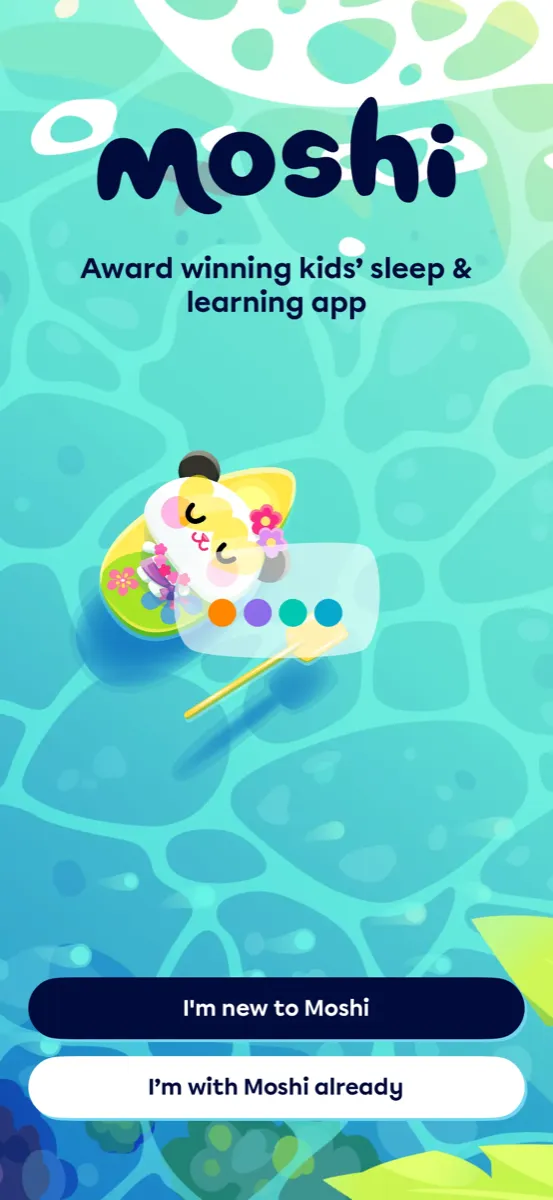
Moshi Kids is different from the other apps here: it's story-based, not sound-based. The library includes original sleep stories, lullabies, and relaxation audio specifically created for children ages 1–8.
This is less useful for newborns who need pure sound masking, but excellent for toddlers and preschoolers who've outgrown white noise and respond better to narrative audio at bedtime. Subscription-based ($7.99/month or $39.99/year).
Also worth mentioning: Taking Cara Babies (in our Parenting Courses roundup) is the go-to for structured sleep training programs if you want a course-based approach rather than an app.
You want a smart sound machine → Hatch Sleep (if you're buying hardware anyway)
You want automatic cry detection → Sound Sleeper
You want to mix custom sounds → BetterSleep
You want pure shushing, one-time purchase → Baby Shusher
Just want free white noise to try → White Noise Baby
Struggling to catch the right sleep window → Huckleberry (SweetSpot)
New to wake windows, want simple scheduling → Napper
Toddler bedtime stories → Moshi Kids
Browse all Baby Sleep apps →
Next week: Co-Parenting Apps — shared custody calendars, expense tracking, and the app family courts actually recommend.
Useless without a Hatch Rest device ($70-130). But if one's already in your nursery - you control everything from the couch: sounds, colors, brightness, bedtime schedules. Build a multi-step routine (dim light, white noise on, auto-off). The "OK-to-wake" green light actually trains toddlers to stay in bed. Membership ($70/yr) adds sleep stories and meditations - nice but not essential. The hardware is the real product here.

Hatch Rest is one of the most popular nursery sound machines, and this app is how you control it. Set up programs so bedtime runs itself: light dims to red at 7pm, white noise starts, shuts off at 7am, green "OK to wake" light comes on. All controllable from your phone without opening the nursery door.
Sound options: white noise, ocean, rain, birds, wind, water, thunderstorm, dryer, heartbeat, fan.
The free app covers everything you need. The Hatch Sleep Membership ($70/year) adds expert-curated sleep stories, dreamscapes, and guided exercises - your call whether that's worth it on top of the hardware cost.
Key thing to know: this app does nothing on its own. No Hatch device, no functionality. If you want a software-only sleep solution, look at BetterSleep or Baby Shusher instead.
Sound Sleeper listens for crying and automatically starts playing soothing sounds - no parent intervention needed. Age-specific sound libraries: womb and hairdryer for newborns, fan and rain for infants, ocean for toddlers. The cry detection is the killer feature. Pricing is messy (multiple tiers from $7 one-time to $40/yr), but the lifetime unlock at ~$20 is the move.

The pitch is simple: leave your phone in the nursery, and when baby cries, the app hears it and starts playing sounds automatically. By the time you're half-awake wondering "was that a cry?", the app has already kicked in with rain sounds and your baby is drifting back off.
The sound library is organized by age, which is smarter than it sounds. Newborns respond to womb-like sounds (heartbeat, hairdryer, shushing). Older infants prefer steady ambient noise (fan, rain). Toddlers do better with gentle environmental sounds (ocean, market). Sound Sleeper sorts this for you.
Also includes lullabies, classical music, and guitar melodies. Not a massive library like BetterSleep (200+ sounds), but curated specifically for babies.
Pricing is confusing - there's a free version, a one-time full unlock (~$7), monthly subscriptions (~$7/mo), yearly (~$40/yr), and a lifetime option (~$20). The lifetime unlock is the obvious choice if you plan to use it beyond a month.
Compared to White Noise Baby ($0.99, no subscription), Sound Sleeper costs more but the auto-cry-detection is more polished. Both have cry detection, but Sound Sleeper's age-specific libraries and auto-play feel more refined. Compared to myNoise or BetterSleep, those are broader sleep apps for adults that happen to work for babies too. Sound Sleeper is baby-first.
Won Parents' Choice award for colic relief. Works great. Costs too much for what it is, unless you grab that lifetime deal.
Not a baby app. It's a sleep app that parents discovered works great for nurseries. White noise, rain, heartbeat, womb sounds, binaural beats - each with its own volume slider so you build your own mix. $60/yr after 7-day trial. Has a baby-specific mode with volume limiting for little ears. If mixing 8 sound layers feels like overkill, Baby Shusher does one sound for $4.99 forever.

BetterSleep started as a general sleep and meditation app for adults, but the sound mixing feature made it a hit with parents. You pick from 200+ sounds - white noise, pink noise, rain, ocean, fan, womb heartbeat, lullabies, binaural beats - and layer as many as you want with individual volume control. Save your mixes for one-tap replay at bedtime.
The baby section includes womb-simulating sounds and a volume limiter to protect hearing. There are also guided meditations and sleep stories, but most parents use it as a fancy sound machine.
The free version is limited. Premium ($60/year) unlocks everything including 300+ exclusive sounds, sleep tracking, and weekly new content.
Compare that to myNoise ($15-20 one-time) which also has deep sound customization but zero baby-specific features. Or Moshi Kids if you want stories instead of ambient sounds.
Plays a rhythmic "shh" on repeat - the same sound your baby heard in the womb for 9 months. Timer up to 8 hours, auto-adjusts volume when crying starts. $4.99 once on iOS and Android. There's also a physical device for $35 but the app does the same thing. If you want variety and mixing - look at BetterSleep. If you want the one trick that just works - this is it.

Sounds almost too simple to pay for. One shushing sound, a volume slider, and a timer. That's the whole app.
But Baby Shusher has been around for 10+ years and 3 million parents keep coming back to it for a reason - the rhythmic pattern actually triggers a calming reflex in newborns. It's based on the "5 S's" method (popularized by Dr. Harvey Karp).
You can set it from 15 minutes to 8 hours of continuous shushing. The sound equalizer listens for crying and bumps the volume automatically - so you don't have to get up and adjust. Works with the screen locked and in the background. No ads, no upsells, no "premium tier."
Compared to white noise apps like myNoise or BetterSleep that give you hundreds of sound options, Baby Shusher is deliberately limited. That's the point.
White Noise Baby by TMSOFT costs $0.99. Once. No subscription, no premium tier, no upsell. 20 built-in sounds (white noise, pink noise, fan, womb, heartbeat, rain), 10 lullabies, cry detection, and access to 10,000+ community sounds via White Noise Market. If you just need background noise for the nursery and refuse to pay monthly for it, this is the one.
In a world where baby apps charge $50-$130/year, White Noise Baby costs 99 cents. Total. Forever. That alone makes it worth listing.
20 built-in sounds: white noise, pink noise, fan, rain, heartbeat, womb, car ride, vacuum cleaner, hair dryer, and more. Plus 10 classical lullabies. Cry detection monitors for baby waking up and restarts the sound automatically. Connect to White Noise Market for 10,000+ community-created downloadable sounds if you want variety.
There's also a baby rattle feature with shapes and sounds, which is cute but not why you're here.
The interface is dated. It looks like it was designed in 2014 because it probably was. TMSOFT has been making white noise apps since before it was trendy. Function over form.
Compared to Sound Sleeper (~$20-$40/yr), White Noise Baby lacks age-specific sound curation and the auto-play is simpler. But it's a dollar. Compared to BetterSleep ($50/yr, 200+ sounds, meditations), White Noise Baby is a fraction of the content and zero of the meditation/story features. But again - a dollar.
If your nursery needs are "play rain sounds all night, stop if I pause it, restart if baby cries" - this does that for less than a cup of coffee. If you want guided sleep stories, adaptive soundscapes, or sleep analytics, look elsewhere.
Best value in the entire directory. Not the best app. Best value.
SweetSpot tells you the exact window for the next nap based on your baby's patterns. Free tier tracks sleep, feeds, diapers, growth. Plus ($59/yr) adds predictions and schedule builder. Premium ($130/yr) adds expert sleep plans with weekly check-ins. 14-day trial, no card. If sleep is the thing keeping you up (literally) - start here. If you need broader tracking across many caregivers, Baby Connect covers more ground.

Huckleberry's killer feature is SweetSpot - it analyzes your baby's sleep logs and predicts the ideal window for the next nap or bedtime. Parents routinely say the predictions are accurate within 10-15 minutes, which feels like magic when you're guessing between "tired" and "overtired."
Free version: one-touch tracking for sleep, feeds, diapers, pumping, growth, potty training, meds. Plus ($9.99/month or $58.99/year): SweetSpot predictions, Schedule Creator for age-appropriate routines, data-driven Insights, enhanced reports, and AI logging via text, voice, or photo. Premium ($14.99/month or $129/year): everything in Plus, plus Berry (24/7 expert-vetted AI chat) and Custom Sleep Plans designed for your child with weekly progress checks.
14-day free trial, no credit card.
Compared to Baby Connect (multi-platform, multi-caregiver, $40/year), Huckleberry is narrower but deeper on sleep. Compared to Glow Baby (broader tracking, predictions), Huckleberry's sleep science is more proven. If sleep is your #1 problem, Huckleberry is the first thing to try.
Napper predicts nap and bedtime based on your baby's real sleep data, not generic tables. Free version is basically a timer. Paid unlocks the good stuff - adaptive schedule, 30+ white noise sounds, sleep articles, trend charts. $49.99/yr after a 7-day trial. If you just want wake windows without the full tracker overhead of [Huckleberry](/huckleberry), this is lighter and faster.

Napper does one thing and does it fast - tells you when the next nap should be. You enter when baby woke up, and it calculates the ideal window. Not from a generic chart. It learns from your baby's actual patterns over time.
Free version: a basic timer. That's about it. The real app lives behind the paywall - adaptive sleep schedules, trend charts showing average sleep duration and night wakings, and a library of 30+ sleep sounds (white noise, shushing, womb, lullabies). There's also a basic tracker for feeds and diapers, but sleep is the star.
$49.99/year after a 7-day free trial. Monthly and quarterly plans available too if you're not sure.
Compared to Huckleberry ($59/yr for Plus), Napper is more focused. No expert sleep plans, no lactation consultant upsell. Just wake windows and predictions. If you want sleep-only without the everything-tracker, Napper is cleaner. If you need the full baby dashboard with caregiver sync, look at Baby Connect or Glow Baby instead.
One thing parents notice: the predictions genuinely improve after a week of logging. First few days feel manual. Stick with it.
Original characters, sleep stories, lullabies, guided meditations, mindfulness games - 1,000+ pieces of audio content. For kids who've outgrown shushing sounds and need a story to wind down. Parents can disable games at bedtime with Play Schedule. Works offline via Bluetooth - press play, leave the room. $59.99/yr or $9.99/mo. Up to 3 devices. Zero screen time needed. If your kid is under 6 months, white noise apps like Baby Shusher work better. Moshi shines with toddlers and up.

Moshi is the opposite of a white noise machine. Instead of ambient sounds, it tells stories. Original characters, original worlds, narrated sleep journeys designed to guide kids from "I'm not tired" to asleep.
400+ stories, meditations, sounds, music tracks, plus 75+ interactive activities for daytime mindfulness. The app has a clever Play Schedule feature - parents can disable games at night so kids can only listen to lullabies and stories, not play.
Download content for offline use and stream via Bluetooth to a speaker. The science claim: kids fall asleep 28 minutes faster. Age range is 0-12, but realistically it clicks best with toddlers and preschoolers who can follow a narrative.
For babies under 1, pure sound apps like Baby Shusher or BetterSleep make more sense. Subscription: $59.99/year or $9.99/month after a 7-day trial.