Best Co-Parenting Apps in 2026: Schedules, Communication, and Keeping the Peace
6 co-parenting apps reviewed — from the one family courts recommend to the free option that covers the basics. What each app is actually built for.

Written by Gleb
•3 min read
Co-parenting apps solve a specific problem: keeping two households coordinated around a child's schedule, expenses, and needs — without relying on text messages that can get heated, lost, or misread.
The best ones do three things well: shared scheduling, expense tracking, and communication that stays documented. Some add legal tools on top of that.
Here's what each app is actually built for.
The Court-Approved Standard
OurFamilyWizard — The Most Established Option

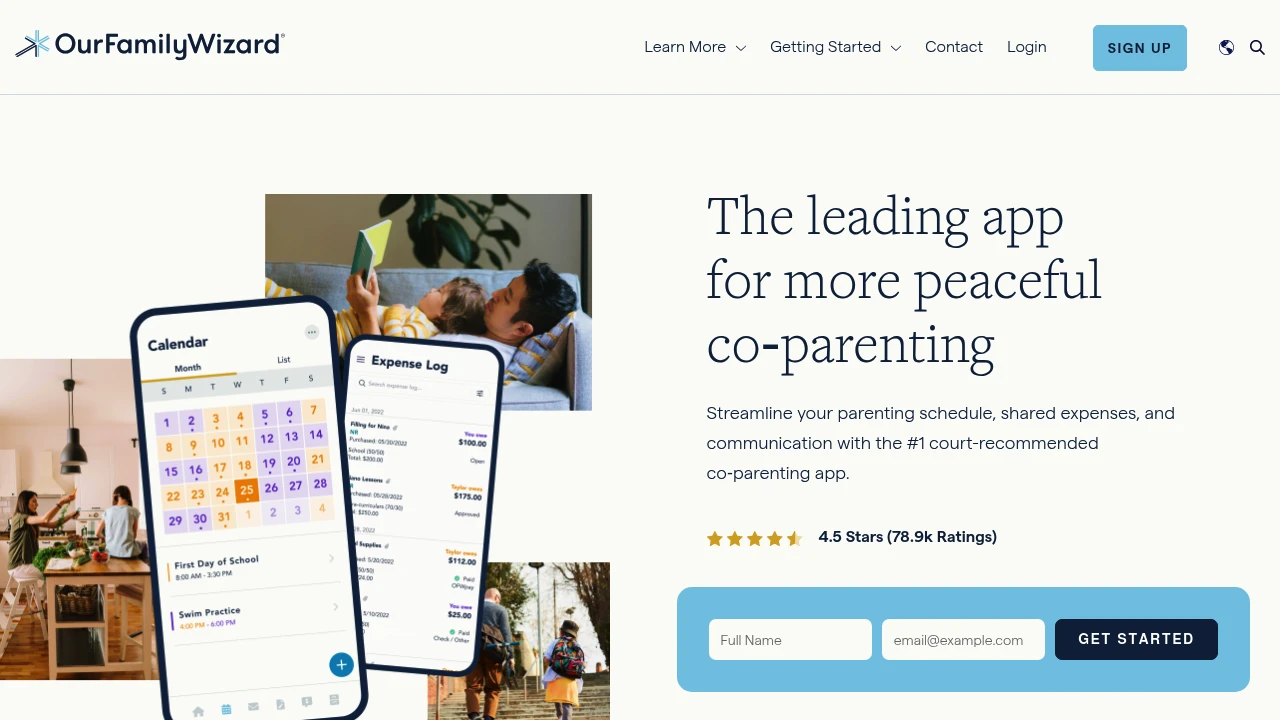
OurFamilyWizard is the most widely recognized co-parenting platform and the one most likely to be recommended by a family attorney or mediator. It's been around since 2001 and is explicitly accepted as evidence in family court proceedings in several US states.
The features that set it apart:
- ToneMeter — flags potentially hostile language in messages before you send them
- Our Family Wizard Journal — a shared, timestamped log of child-related notes
- Expense tracking with receipt photos — every transaction is documented
- Account monitoring — a third party (attorney, mediator) can be granted read-only access
The price is high: $149.99/year per parent (both parents need a subscription). For high-conflict situations or where legal documentation matters, the cost is often worth it. For amicable co-parenting, it may be more than you need.
Custody X Change — For Court-Ready Schedules
Custody X Change focuses on one thing OurFamilyWizard doesn't: building a legally formatted custody schedule. You design the schedule visually using a calendar interface, and the app generates a formatted parenting plan document that meets court requirements.
It includes a library of parenting plan templates, a time-with-each-parent calculator (useful for proving compliance), and expense tracking. If you're in the process of establishing a custody arrangement and need a court-ready document, this is the tool to use.
Subscription-based at $9.99/month or $99/year.
All-in-One Options
2houses — Child-Centered Organizer
2houses organizes co-parenting around the child rather than the parents. Each child has a dedicated profile that both parents can update with information like school contacts, medical records, and routines — creating a shared source of truth that both households reference.
Features include a shared custody calendar, expense splitting, a shared journal for documenting milestones, and an information bank for the child's details.
Subscription: approximately $14.99/month or $99.99/year. Less known than OurFamilyWizard but strong for families who want a more collaborative (rather than documentation-focused) tool.
BestInterest — Scheduling + Family Chat
BestInterest (one of our launch picks from day one) covers custody scheduling and family communication in a clean, straightforward interface. The co-parenting schedule builder is visual and easy to set up, and the family chat keeps child-related communication separate from personal messages.
Available on iOS, Android, and Web. Good option for co-parents who want something less complex than OurFamilyWizard but more purpose-built than a shared Google Calendar.
WeParent — Shared Calendar and Expenses
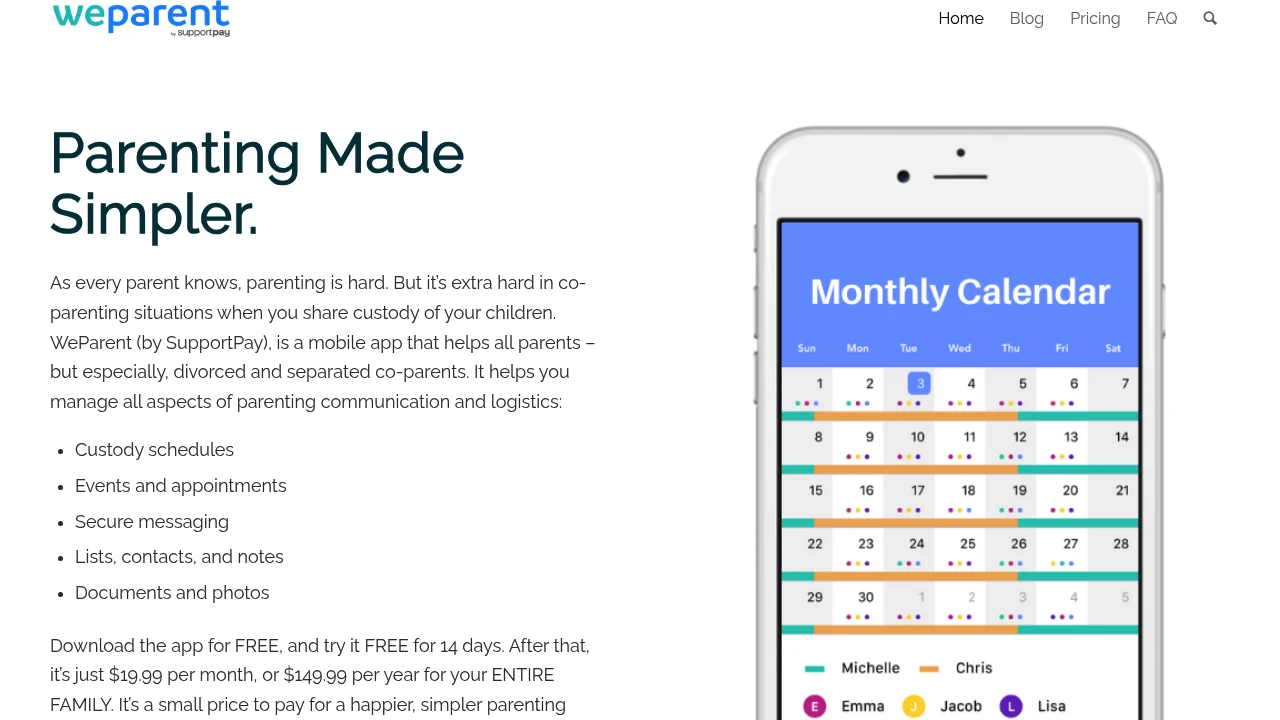
WeParent focuses on the fundamentals: a shared calendar for custody schedules, event tracking, and expense splitting. It's cleaner and simpler than the more feature-heavy options here, which makes it a good choice for co-parents who are already communicating well and mainly need a shared organizational layer.
Free tier available with optional premium features.
The Free Option
AppClose — Full Co-Parenting Features at No Cost
AppClose is the only fully free option in this category that covers the core co-parenting toolkit: shared calendar, secure messaging, expense tracking, and document storage. All communication is logged and timestamped.
The trade-off: it's less polished than the paid options and doesn't have features like ToneMeter or court-ready document export. But for co-parents who need a documented communication platform and don't want to pay $150/year, AppClose is a solid starting point.
How to Choose
Legal documentation matters / high-conflict situation → OurFamilyWizard
Need a court-ready custody schedule document → Custody X Change
Want child-centered information sharing → 2houses
Want scheduling + family chat, less complex → BestInterest
Shared calendar + expenses, already communicating well → WeParent
Need the basics for free → AppClose
Browse all Co-Parenting apps →
Next week: Parental Control Apps — screen time limits, content filtering, and app blocking for kids of all ages.