Best Parental Control Apps in 2026: Screen Time, Content Filters, and What They Actually Block
5 parental control apps reviewed honestly — what each one blocks, how it works on iOS vs Android, and when free is good enough.

Written by Gleb
•4 min read
Parental control apps are useful tools with real limitations. They can limit screen time, block specific apps or content categories, and show you what your child is doing online. They can't replace conversation, and they don't work the same across iOS and Android.
This roundup focuses on the parental control side: app management, screen time limits, content filtering. If you're primarily looking for GPS location tracking, see our Family Safety & Location roundup.
Here's what each app actually does.
Free Options
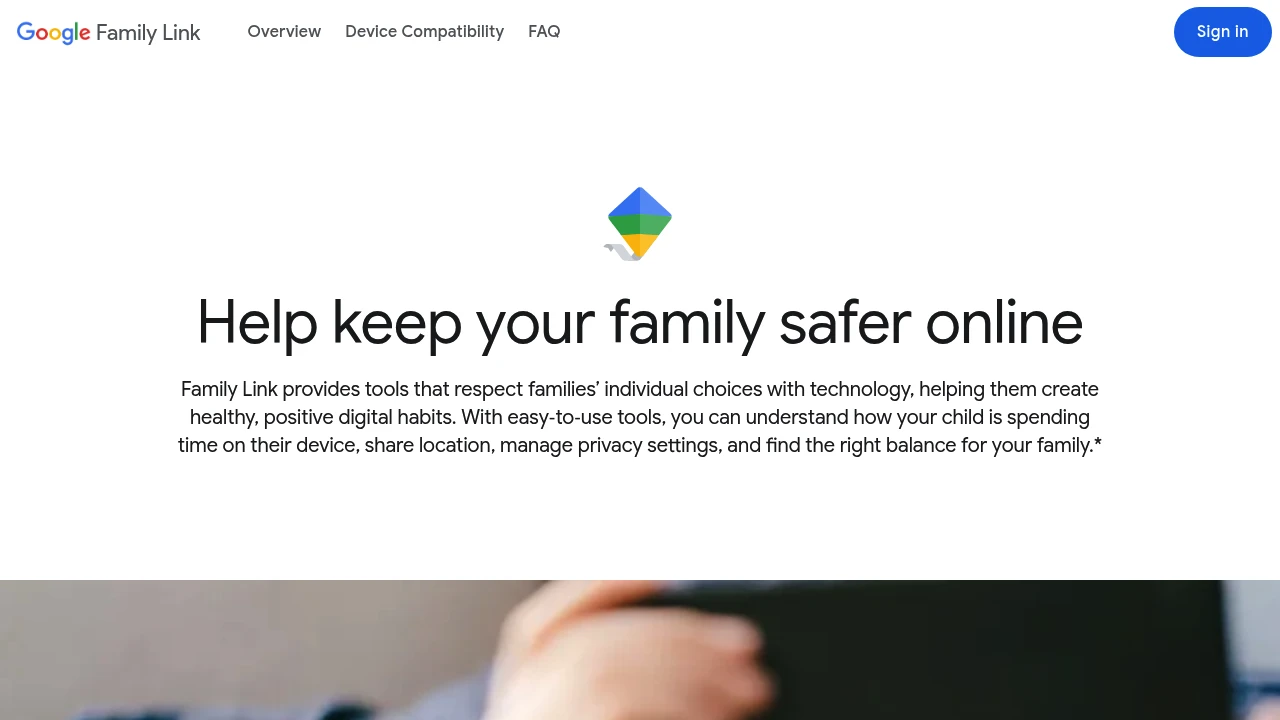
Google Family Link — Free, But Android-First

Google Family Link is free and built directly into Android, which makes it the obvious starting point for Android households. It handles:
- App approval — your child can only install apps you approve from the Play Store
- Screen time limits — daily limits by app or total device usage
- Device lock — lock the device remotely at bedtime or when limits are reached
- Location — see where the device is on a map
On iOS, Family Link exists but is significantly more limited — it can't manage App Store approvals or set app-level limits the same way. If your child uses an iPhone, Apple's built-in Screen Time (in Settings) is the better free option there.
Best for: Android families who want basic controls without a subscription.
Cross-Platform Options (Paid)
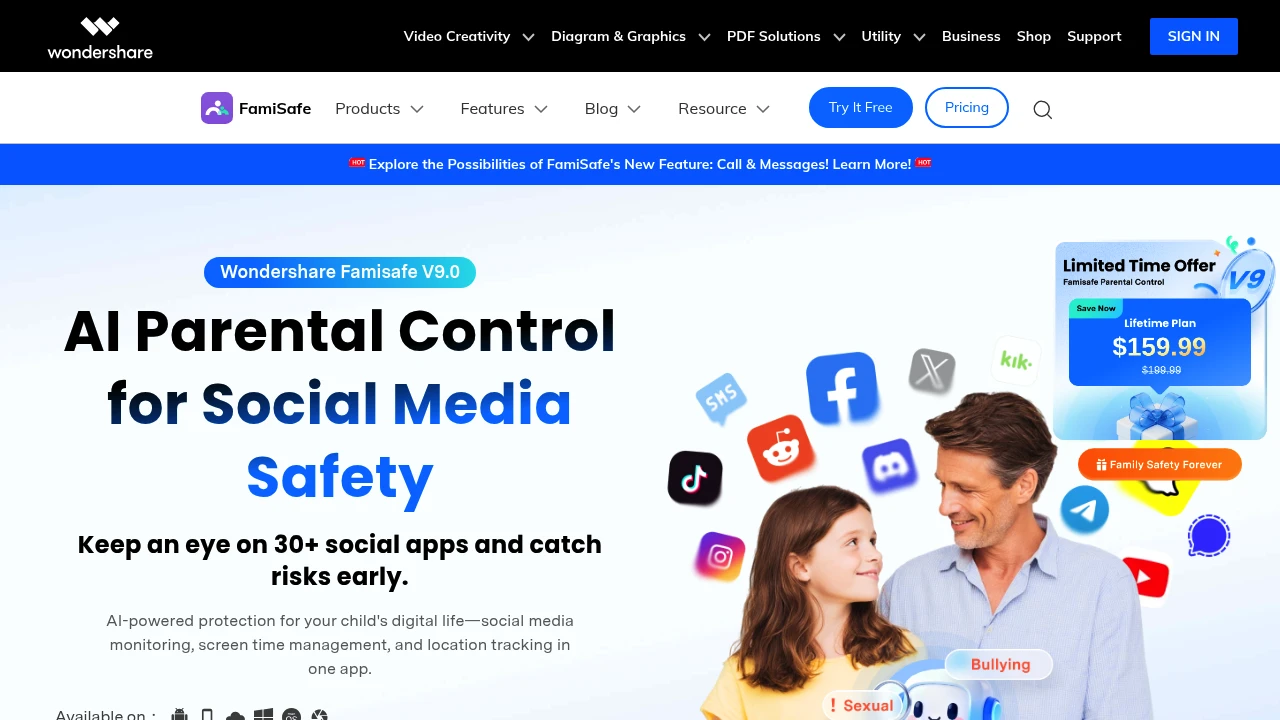
FamiSafe — Full-Featured, Cross-Platform
FamiSafe by Wondershare covers Android, iOS, Kindle, and desktop (Windows/Mac/Chromebook) with a consistent feature set across platforms. Core features:
- Screen time scheduling — block device usage during school hours or bedtime
- App blocking — block specific apps or app categories
- Web filtering — content categories you can toggle on/off
- YouTube monitoring — search history and viewed videos
- Location tracking — real-time GPS and location history
Subscription pricing: approximately $10.99/month, $32.99/year, or $59.99 for 3 years. There's a 3-day free trial.
The cross-platform consistency is the main reason to choose FamiSafe over Google Family Link — especially in households with mixed device types.
Note: FamiSafe also appears in our Family Safety & Location roundup for its location features. Here we're focused on the screen time and content filtering side.
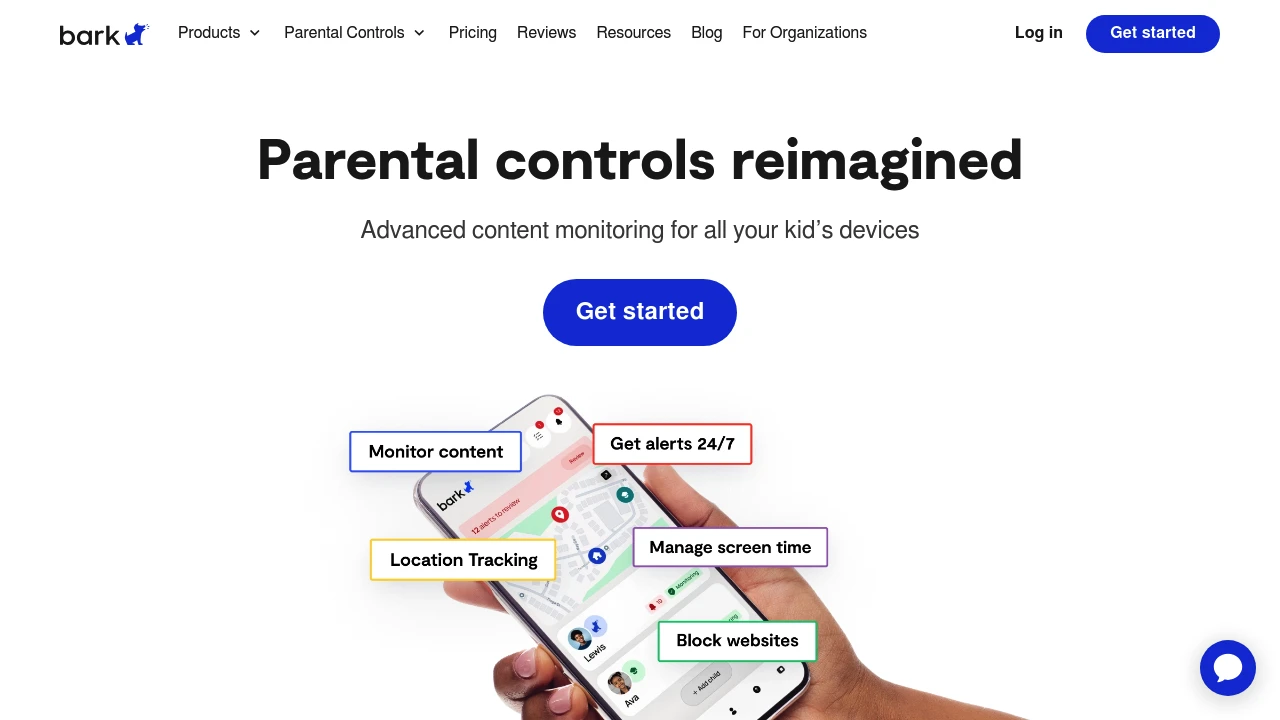
Bark — The Monitoring Approach
Bark takes a different philosophy than the other apps here. Rather than giving parents direct control (block this app, limit to 2 hours/day), Bark monitors your child's activity and sends you an alert when it detects something concerning — signs of bullying, depression, sexual content, predators, or violence in messages and social media.
It supports 30+ platforms including Instagram, Snapchat, TikTok, Gmail, and iMessage. You get notified about potential issues rather than seeing every message.
This approach is designed for older children (tweens and teens) where constant monitoring would damage trust, but parents still want a safety net. The trade-off: Bark doesn't block content, it only detects and alerts.
Pricing: $14/month or $99/year for the full plan (unlimited kids, all platforms).
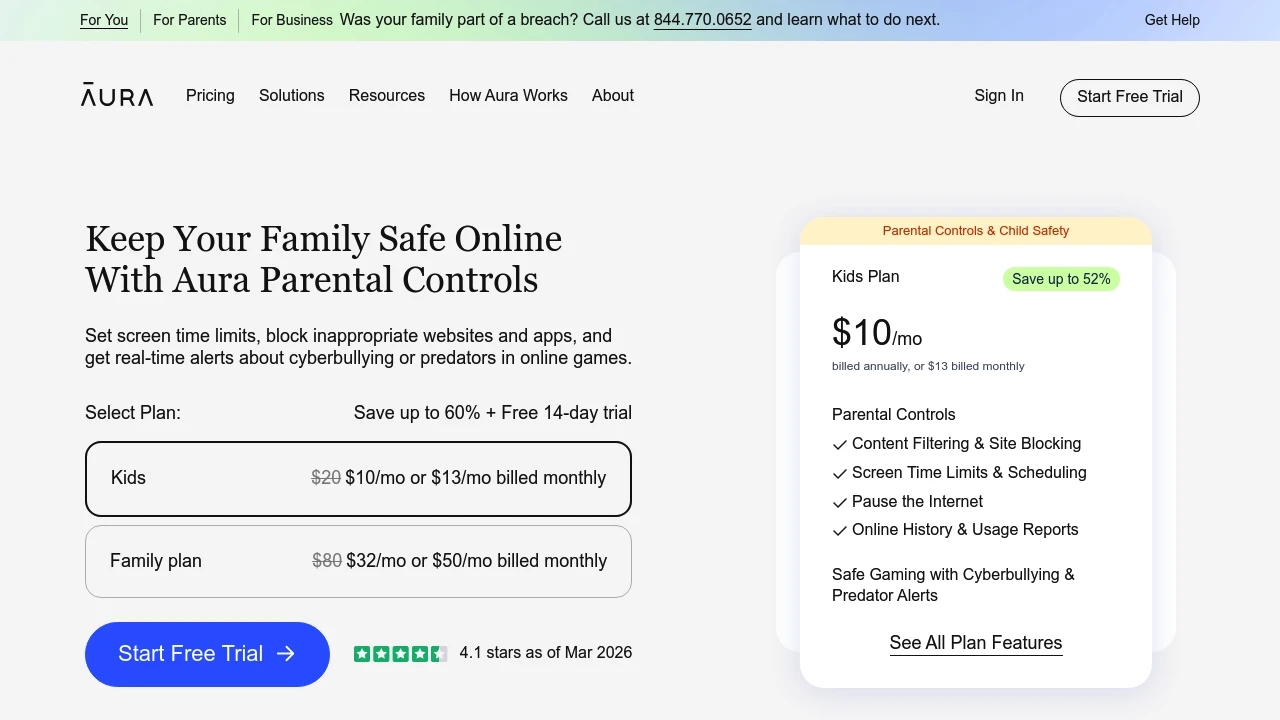
Aura Parental Controls — Balanced Controls with Screen Time Focus
Aura focuses on balancing control with healthy screen habits rather than pure restriction. It covers screen time limits, app blocking, web filtering, and location tracking across iOS and Android.
What stands out is the bedtime and routine features — you can set automatic wind-down periods where certain apps become unavailable, and the interface is designed to be explained to children rather than hidden from them. The framing is less "lock everything down" and more "set healthy expectations."
Subscription-based. Good option for families with younger children (5–12) who want controls that grow with the kid.
Findmykids — Parental Controls for Ages 3–17
Findmykids combines location tracking with parental control features in a single app, aimed at a wider age range than most competitors (3–17 years). On the control side it offers:
- Screen time limits by app or total usage
- App blocking for Android devices
- Sound monitoring — the app can activate the child's phone microphone to let parents listen to the surrounding environment (a feature that raises privacy questions worth thinking through)
The location and safety features are covered more in our Family Safety roundup. If you want location + screen time in one app without managing two subscriptions, Findmykids is a reasonable choice.
How to Choose
Android household, basic controls, free → Google Family Link
Multiple device types, full content filtering → FamiSafe
Older kids (10+), monitoring over restriction → Bark
Younger kids, habit-forming approach → Aura Parental Controls
Location + screen time in one app → Findmykids
Browse all Parental Control apps →
Next week: Educational Apps for Kids — learning games for toddlers through early schoolers, including the one that's genuinely 100% free.