Best Family Safety & Location Apps in 2026: GPS Trackers, Free Options, and the Privacy Trade-offs
8 family location apps reviewed — from Life360's 60 million users to Apple's free built-in option. Plus an honest look at the data privacy concerns worth knowing.

Written by Gleb
•4 min read
A note before the app list: family location tracking is genuinely polarizing.
For many parents, knowing where their child is reduces real anxiety. For others — and for many older kids — it can feel like surveillance that erodes trust. The honest answer is that both concerns are valid, and the right tool depends as much on your family's values as your child's age.
This roundup focuses on the location and safety features side. If you're primarily looking for screen time controls and content filtering, see our Parental Control roundup — there's significant overlap between these categories.
Here's what each app actually does, and what it costs (in money and in privacy).
Free Built-in Options
Apple Find My — The One Already on Your iPhone

If your family uses iPhones, Apple Find My is the starting point. It's built into iOS, requires no subscription, and shares location between family members without installing anything additional. It also supports AirTags — useful for tracking backpacks, bikes, or cars, not just phones.
The limitations are real: it's Apple-only, location sharing is manual (family members have to choose to share), and there's no dedicated child safety layer — no geofencing alerts, no panic button, no driving reports.
Free. No subscription. Zero data monetization (location stays within Apple's ecosystem).
For Android families, Google Family Link offers comparable location sharing at no cost — see our Parental Control roundup for details.
Dedicated Family Trackers
Life360 — The Most Popular, With Caveats
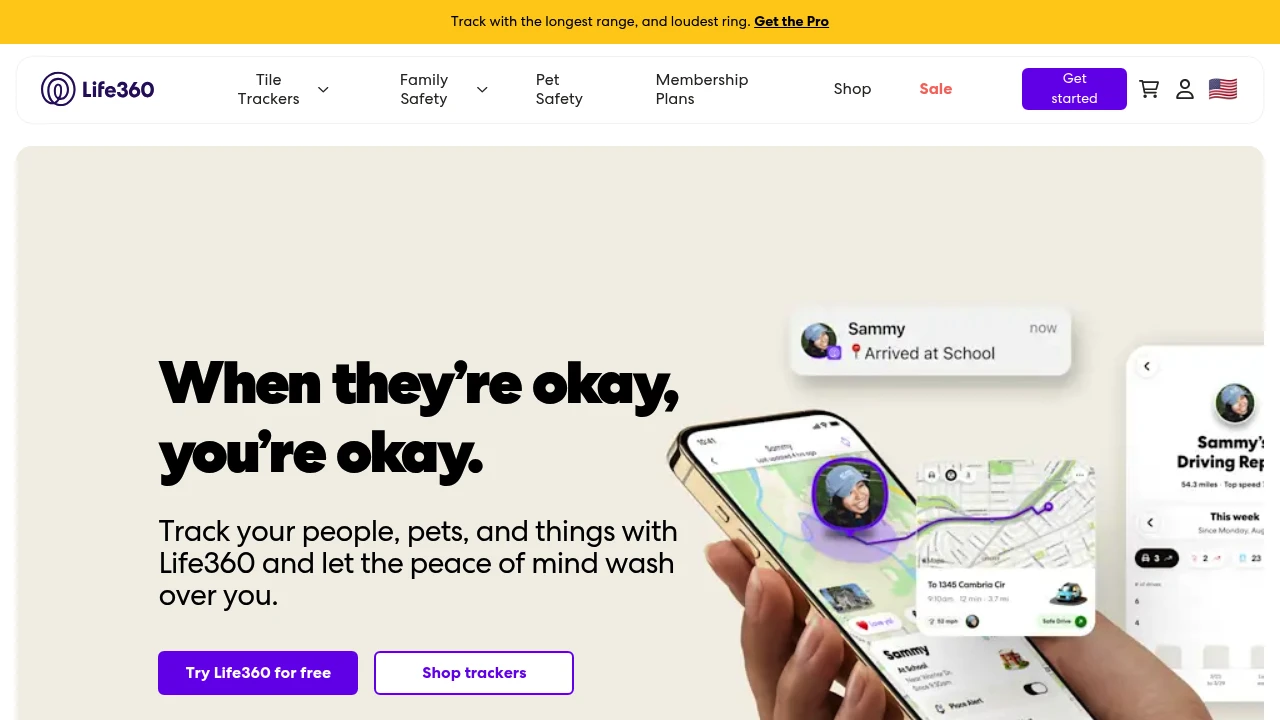
Life360 has 60+ million users, which makes it the default recommendation in this category. The feature set justifies the popularity: real-time GPS location, geofencing with arrival/departure alerts, driving reports (speed, phone use, hard braking), crash detection, and SOS alerts.
The free tier is genuinely functional. Paid plans ($9.99–$19.99/month) add location history, roadside assistance, and identity theft protection.
The honest caveat: Life360 has faced reporting about selling aggregated location data to data brokers, which led to significant backlash and policy changes. They've tightened their data practices since, but it's worth knowing the history if privacy is a priority for your family.
Best for: Families with teenagers who drive, or parents who want comprehensive location + driving safety in one app.
Findmykids — Built Specifically for Younger Children
Where Life360 is designed for families broadly, Findmykids is built specifically for children aged 3–17. The child-facing design decisions reflect this: a school bell feature that automatically switches the child's phone to silent mode during school hours, and a loud signal that lets parents play a sound on the child's phone remotely — useful when a child isn't answering.
Real-time GPS, geofencing, battery monitoring, and limited screen time controls round out the feature set. Subscription-based with a free trial.
Note: Findmykids also appears in our Parental Control roundup for its screen time features. Here we're focused on the location and child safety side.
iSharing — Tracking + Panic Button
iSharing is a real-time GPS family tracker with one standout feature: a panic button that sends an emergency alert with current location to all family members simultaneously. For families with children who travel independently — walking to school, taking public transit — this is a meaningful safety feature.
Also includes: location history, geofencing alerts, and place detection (home, school, common locations). Free tier covers basic tracking; premium unlocks full history and more features.
GeoZilla — Location Sharing with Check-Ins
GeoZilla combines GPS location tracking with a check-in system — family members can send quick status updates ("I'm at school," "Heading home") alongside their location. This makes it feel more like a communication tool and less like pure surveillance, which can make it more palatable for older kids and teens.
Real-time location, geofencing, location history, and SOS alerts. Free tier available; premium for full features.
Multi-Feature Safety Suites
FamiSafe — Location + Screen Time Combined
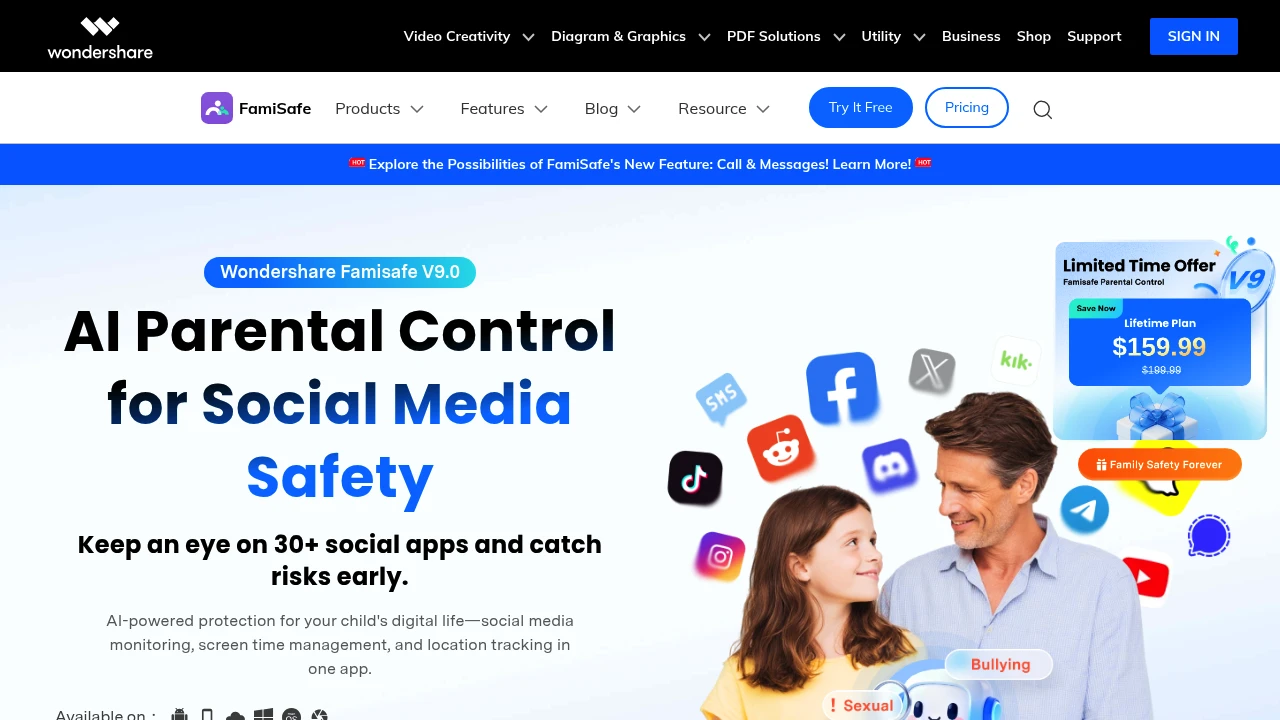
FamiSafe by Wondershare is one of the few apps that handles both location tracking and content controls in a consistent cross-platform package (iOS, Android, Windows, Mac, Kindle). The location features include real-time GPS, geofencing with alerts, and location history.
The combination of location + parental controls in one subscription makes it cost-effective if you need both. Pricing: approximately $10.99/month or $32.99/year.
Note: FamiSafe also appears in our Parental Control roundup for its screen time and content filtering side.
Family360 — Safety Suite with SOS
Family360 combines real-time location sharing, geofencing, driving behavior reports, and an SOS emergency feature in a family safety-focused package. The interface is designed to be parent-friendly without requiring technical setup, and it covers multiple family members across both iOS and Android.
Good option for families who want comprehensive safety coverage without the complexity of enterprise-style parental control apps.
Temporary Sharing
Glympse — Location Sharing That Expires
Glympse solves a different problem than the other apps here. Rather than continuous family tracking, Glympse lets you share your live location for a set time period — "share for 30 minutes" or "until I arrive." The share expires automatically.
This makes it more like a sophisticated "I'm on my way" tool than a parental monitoring app. Useful for: meeting up at events, letting family know when you're arriving home, or one-time location shares with people who aren't in your family tracking app. Completely free.
How to Choose
Free, Apple family → Apple Find My
Older kids who drive, want driving safety → Life360
Child ages 3–12, school monitoring → Findmykids
Panic button / independent travel → iSharing
Combined location + check-ins → GeoZilla
Location + screen time controls in one → FamiSafe
Temporary, one-time location share → Glympse
Browse all Family Safety & Location apps →
Next week: Parenting Courses & Education — online classes for sleep training, birth prep, and child development from Tinyhood, Taking Cara Babies, and others.